Seite 2 von 8
Lieferumfang
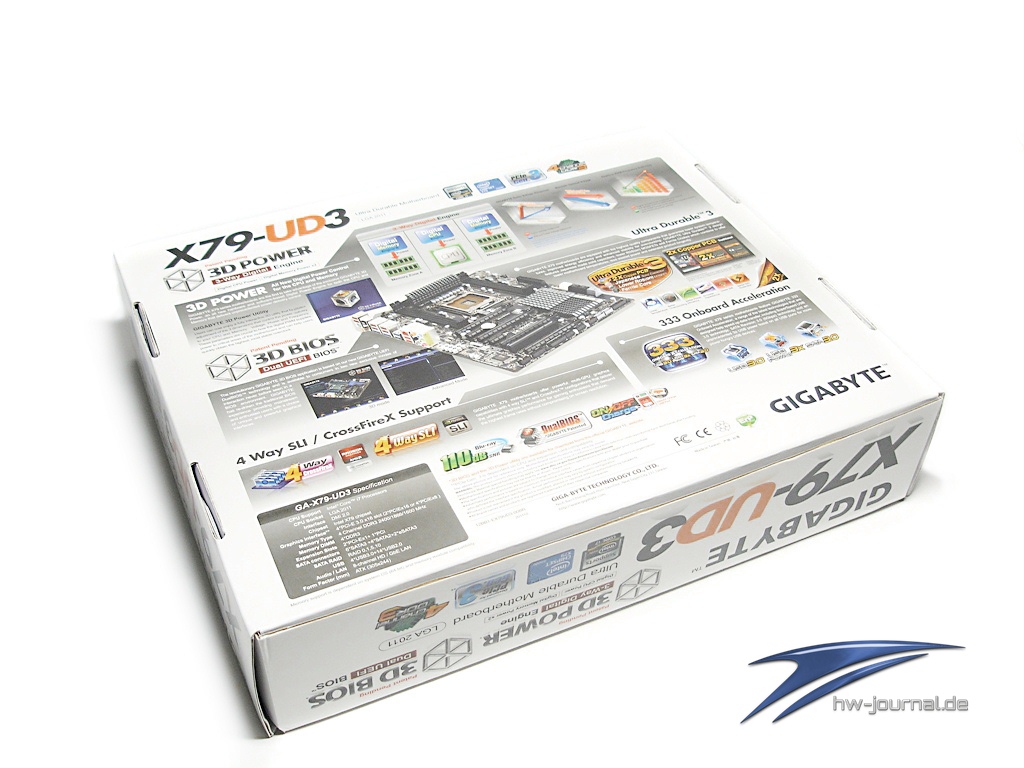
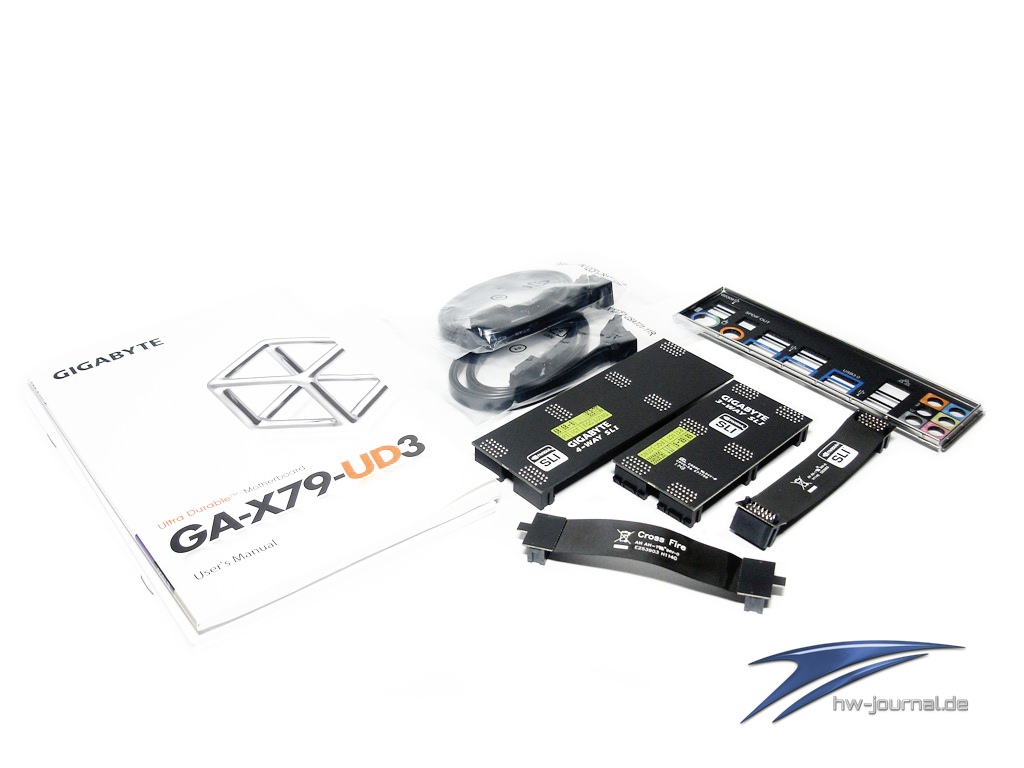
Im neuen Gewand werden die X79-Mainboards inzwischen ausgeliefert. Ein schicker weißer Karton bildet die äußere Schutzhülle um das empfindliche Stück Silicium. Im Karton findet sich nichts Außergewöhnliches wieder. Neben dem Mainboard liegt noch ein Handbuch, vier SATA Kabel, SLI- und Crossfire-Brücken, eine Treiber DVD und eine Backpanel Blende bei.
Technische Daten
| Prozessor |
- Support for Intel® Core™ i7 processors in the LGA2011 package
- L3 cache varies with CPU
(Please refer "CPU Support List" for more information.) |
| Chipsatz |
- Intel® X79 Express Chipset
|
| Arbeitsspeicher |
- 8 x 1.5V DDR3 DIMM sockets supporting up to 64 GB of system memory
* Due to Windows 32-bit operating system limitation, when more than 4 GB of physical memory is installed, the actual memory size displayed will be less than 4 GB.
- 4 channel memory architecture
- Support for DDR3 2133/1866/1600/1333/1066 MHz memory modules
- Support for non-ECC memory modules
- Support for Extreme Memory Profile (XMP) memory modules
(Please refer "Memory Support List" for more information.) |
| Audio |
- Realtek ALC898 codec
- High Definition Audio
- 2/4/5.1/7.1-channel
- Support for Dolby® Home Theater
- Support for S/PDIF Out
|
| LAN |
- 1 x Intel GbE LAN (10/100/1000 Mbit)
|
| Erweiterungssteckplätze |
- 2 x PCI Express x16 slots, running at x16 (PCIEX16_1/PCIEX16_2)
* For optimum performance, if only one PCI Express graphics card is to be installed, be sure to install it in the PCIEX16_1 slot; if you are installing two PCI Express graphics cards, it is recommended that you install them in the PCIEX16_1 and PCIEX16_2 slots.
- 1 x PCI Express x16 slot, running at x8 (PCIEX8)
(All PCI Express x16 slots conform to PCI Express 3.0 standard.)
- 2 x PCI Express x1 slots
(All PCI Express x1 slots conform to PCI Express 2.0 standard.)
- 1 x PCI slot
|
| Multi-Graphics Technology |
- Support for 3-Way/2-Way AMD CrossFireX™ / NVIDIA SLI technology
The PCIEX16_1/PCIEX16_2 slots operate at up to x8 mode when 3-Way AMD CrossFireX™/NVIDIA SLI is enabled.
|
| IDE ATA |
Chipset:
- 2 x SATA 6Gb/s connectors (SATA3 0/SATA3 1) supporting up to 2 SATA 6Gb/s devices
- 4 x SATA 3Gb/s connectors (SATA2 2~SATA2 5) supporting up to 4 SATA 3Gb/s devices
- Support for RAID 0, RAID 1, RAID 5, and RAID 10
* When a RAID set is built across the SATA 6Gb/s and SATA 3Gb/s channels, the system performance of the RAID set may vary depending on the devices being connected.
3 x Marvell 88SE9172 chips:
- 4 x SATA 6Gb/s connectors (GSATA3 6~GSATA3 9) supporting up to 4 SATA 6Gb/s devices
- 2 x eSATA 6Gb/s connectors (including 1 eSATA/USB Combo) on the back panel supporting up to 2 SATA 6Gb/s devices
- Support for SATA RAID 0 and RAID 1
|
| USB |
Chipset:
- Up to 14 USB 2.0/1.1 ports (8 ports on the back panel, including 1 eSATA/USB Combo, 6 ports available through the internal USB headers)
2 x Fresco FL1009 chips:
- Up to 4 USB 3.0/2.0 ports (2 ports on the back panel, 2 ports available through the internal USB headers)
|
| IEEE 1394 |
VIA VT6308 chip:
- Up to 2 IEEE 1394a ports (1 port on the back panel, 1 port available through the internal IEEE 1394a header)
|
| Interne I/O Anschlüsse |
- 1 x 24-pin ATX main power connector
- 1 x 8-pin ATX 12V power connector
- 6 x SATA 6Gb/s connectors
- 4 x SATA 3Gb/s connectors
- 1 x CPU fan header
- 4 x system fan headers
- 1 x front panel header
- 1 x front panel audio header
- 1 x S/PDIF Out header
- 3 x USB 2.0/1.1 headers
- 1 x USB 3.0/2.0 header
- 1 x IEEE 1394a header
- 1 x Clear CMOS jumper
- 1 x Trusted Platform Module (TPM) header
|
| Rückseite I/O Panel |
- 1 x PS/2 keyboard/mouse port
- 1 x CPU overclocking button
- 1 x BIOS switch button
- 1 x Clear CMOS button
- 1 x IEEE 1394 port
- 7 x USB 2.0/1.1 ports
- 2 x USB 3.0/2.0 ports
- 1 x eSATA/USB Combo connector
- 1 x eSATA 6Gb/s connector
- 1 x RJ-45 port
- 1 x optical S/PDIF Out connector
- 5 x audio jacks (Center/Subwoofer Speaker Out, Rear Speaker Out, Side Speaker Out, Line In/Mic In, Line Out)
|
| I/O |
- iTE IT8728 chip
|
| H/W Überwachung |
- System voltage detection
- CPU/System temperature detection
- CPU/System fan speed detection
- CPU overheating warning
- CPU/System fan fail warning
- CPU/System fan speed control
* Whether the CPU/system fan speed control function is supported will depend on the CPU/system cooler you install.
|
| BIOS |
- 2 x 64 Mbit flash
- Use of licensed AMI EFI BIOS
- Support for DualBIOS™
- PnP 1.0a, DMI 2.0, SM BIOS 2.6, ACPI 2.0a
|
| Einzigartige Funktionen |
- Support for @BIOS
- Support for Q-Flash
- Support for Xpress BIOS Rescue
- Support for Download Center
- Support for Xpress Install
- Support for Xpress Recovery2
- Support for EasyTune
* Available functions in EasyTune may differ by motherboard model.
- Support for Smart 6™
- Support for eXtreme Hard Drive (X.H.D)
- Support for ON/OFF Charge
- Support for Cloud OC
- Support for TouchBIOS
- Support for 3TB+ Unlock
- Support for Q-Share
|
| Form Factor |
- E-ATX Form Factor; 30.5cm x 26.4cm
|
Impressionen
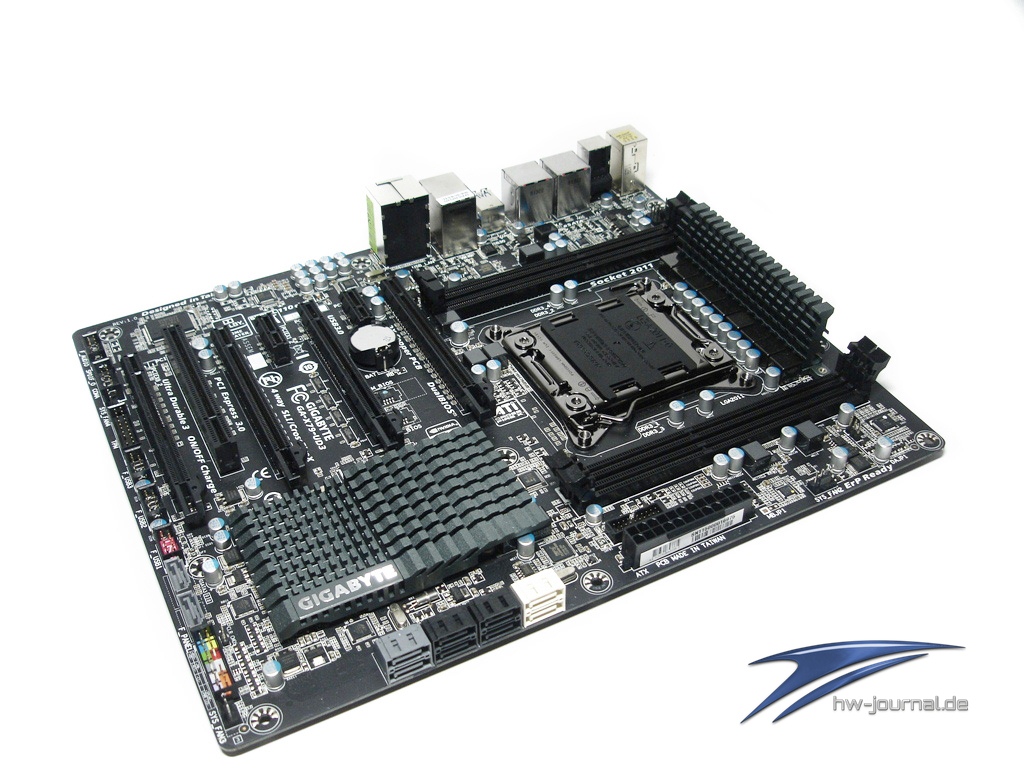
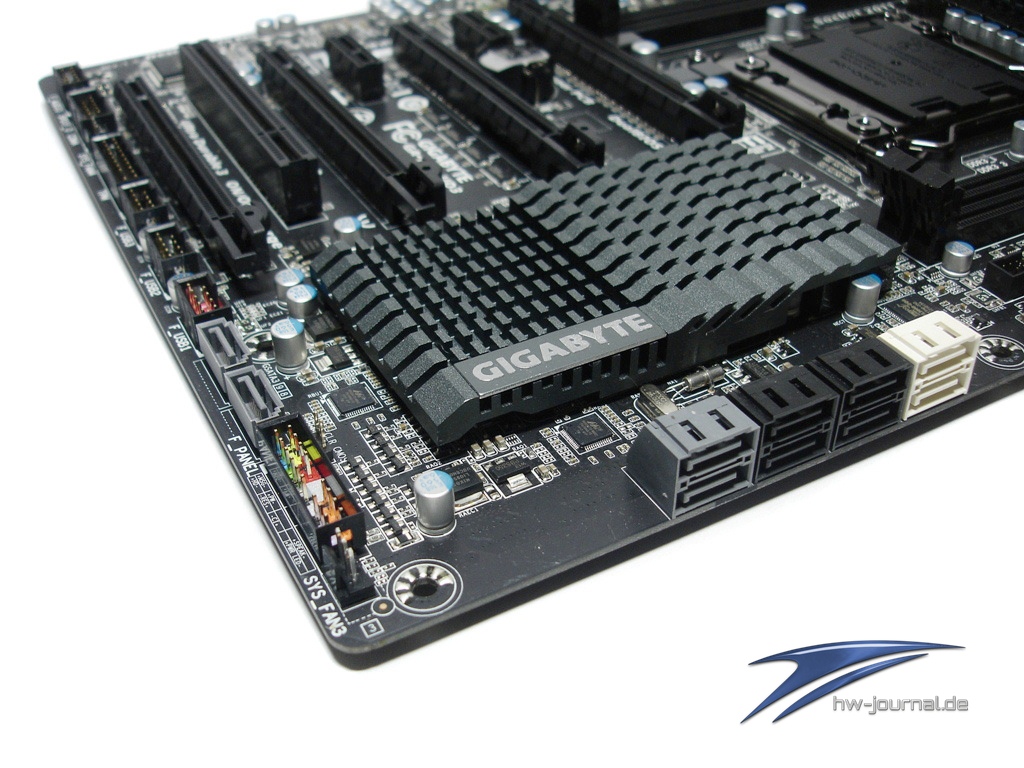
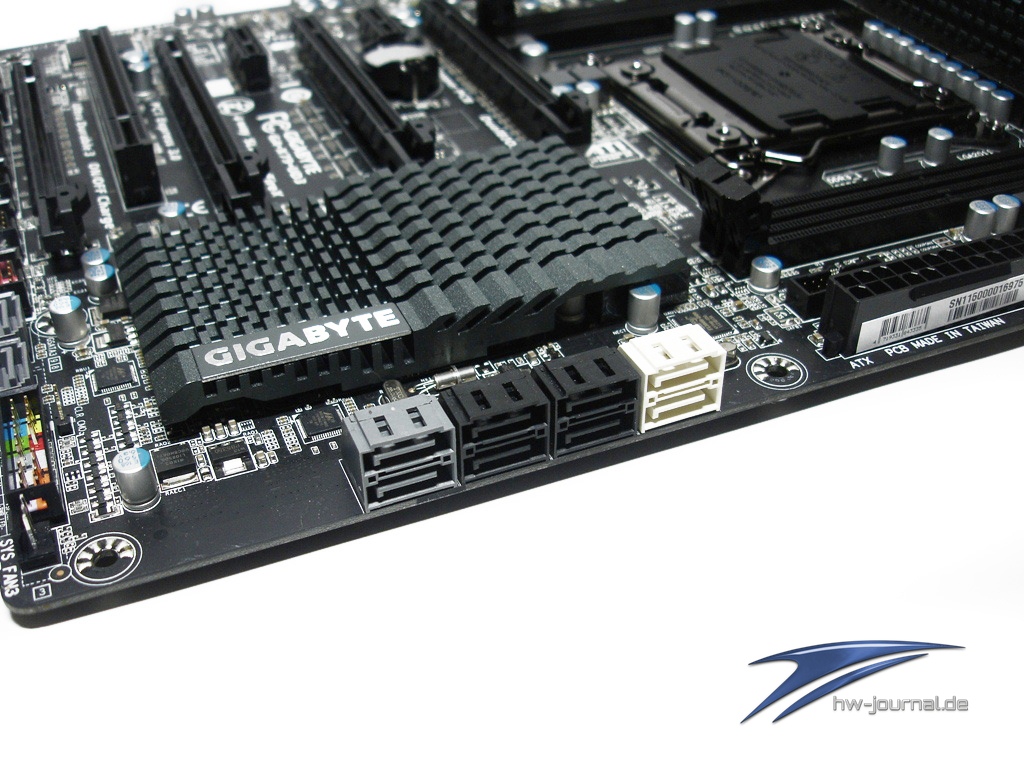
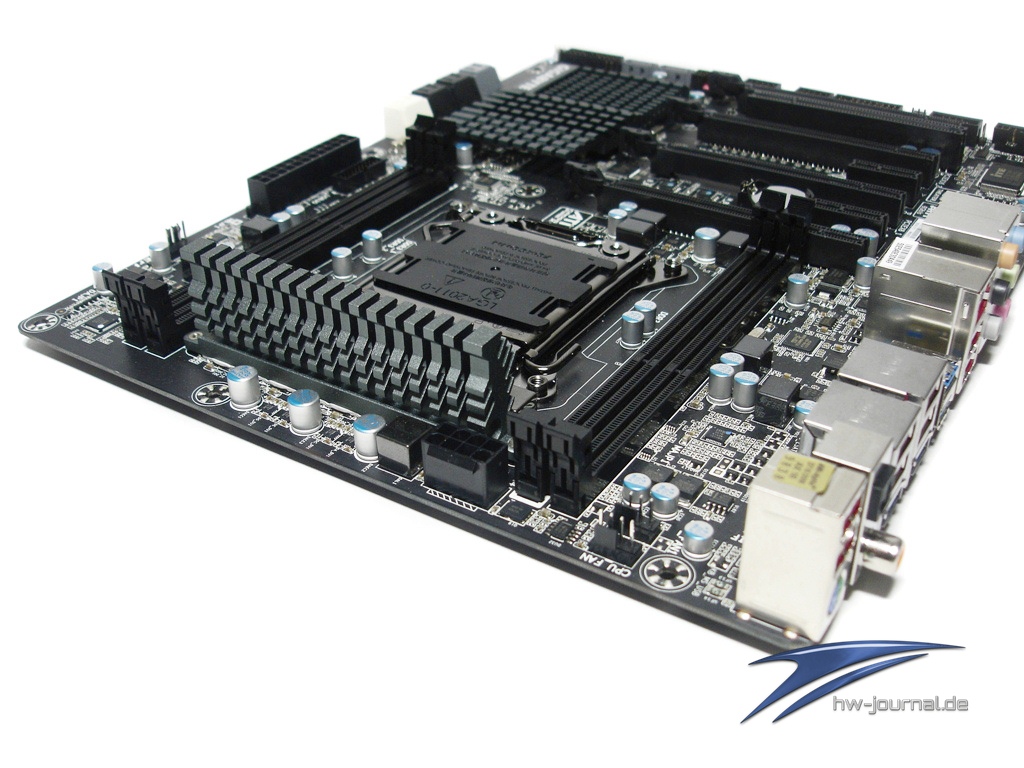
Deutlich zu erkennen ist, dass Gigabyte von Generation zu Generation auf immer mehr Farbe verzichtet hat. So kommt das vorliegende X79-UD3 in kompletten schwarz-grau daher. Geprägt wird das Layout von den beiden Kühlelementen auf dem Chipsatz und den MOSFETs. Ausgestattet mit allem Notwendigen, will das Mainboard sicher aber keine Budget-Ausführung sein. Insgesamt zieren zehn SATA-Ports das interne Anschlussbild. Zwei davon kommen wieder mit 6 Gbit/s-Unterstützung daher. Auf etwaige Overclocking-Button wurde beim UD3 allerdings verzichtet.
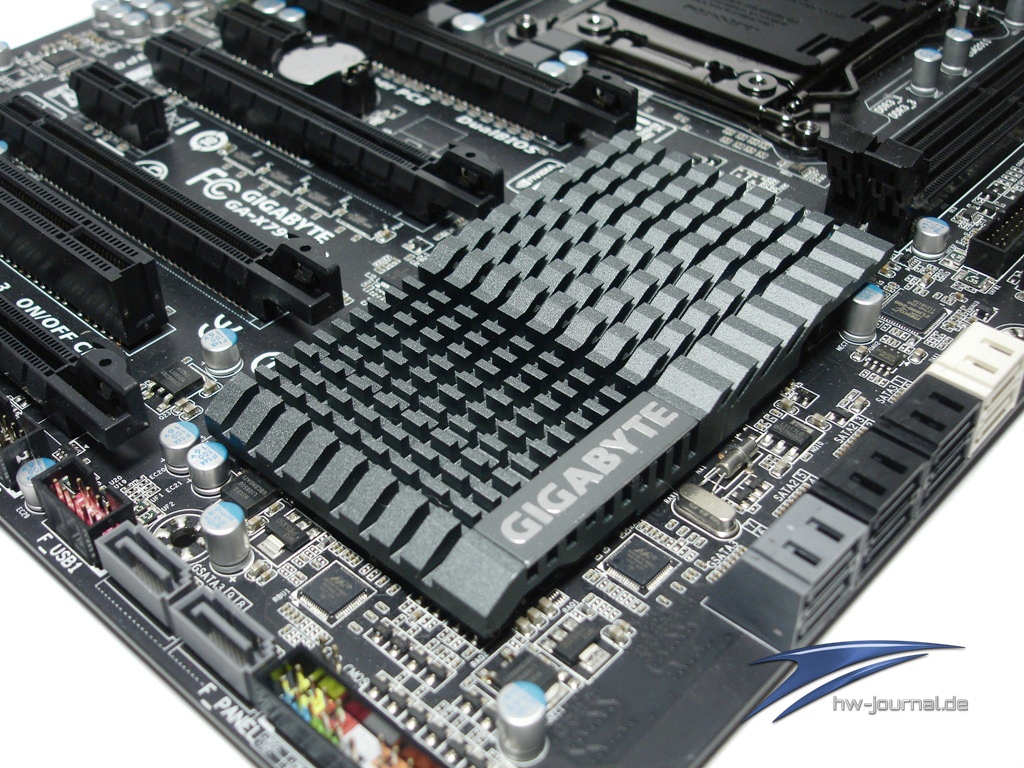
Auf dem X79-Chipsatz prangt ein großer Kühlblock, welcher nicht wie sonst üblich aus Plastik ist, sondern aus Aluminium ist. Für die Anbindung der Grafikkarten stehen gleich vier PCIe-Slots zur Verfügung. Jedoch werden nicht alle mit der voller Bandbreite angesprochen. Ein Slot wird mit "vollständiger" PCIe 3.0 x16 Anbindung deklariert. Dem zur Folge stehen drei weitere noch aus, welche wiederum elektrisch mit angebunden werden und somit mit halber Bandbreite fungieren. Dazwischen hat der Hersteller noch zwei PCIe x1 und einen PCI-Anschluss platziert.
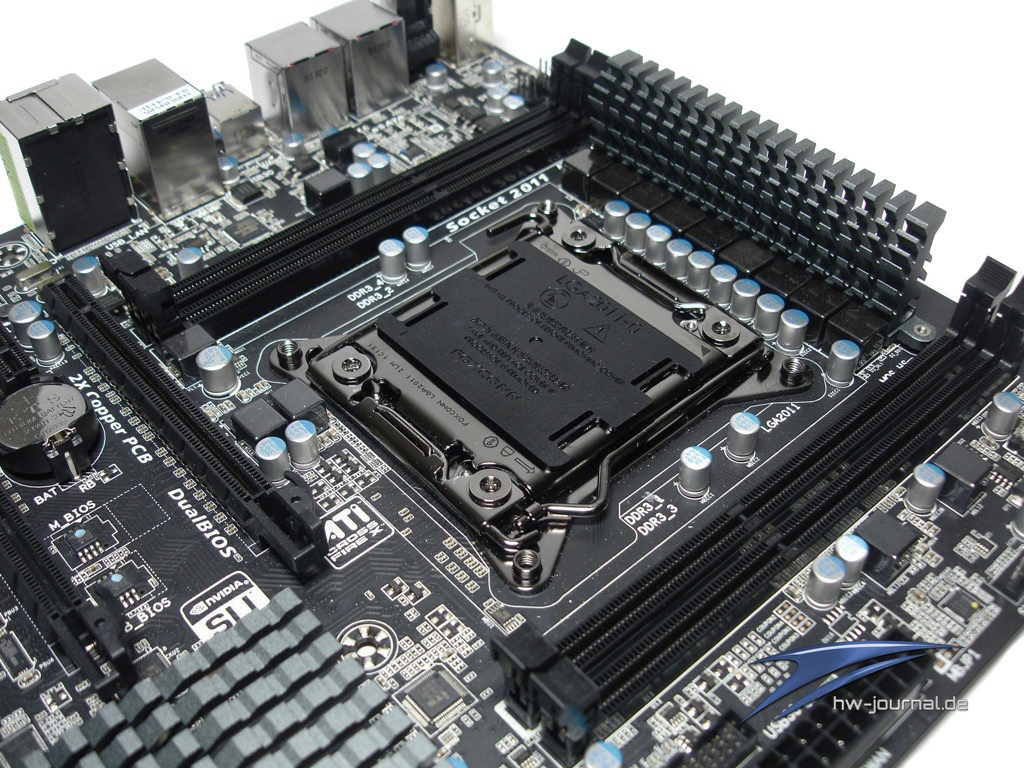
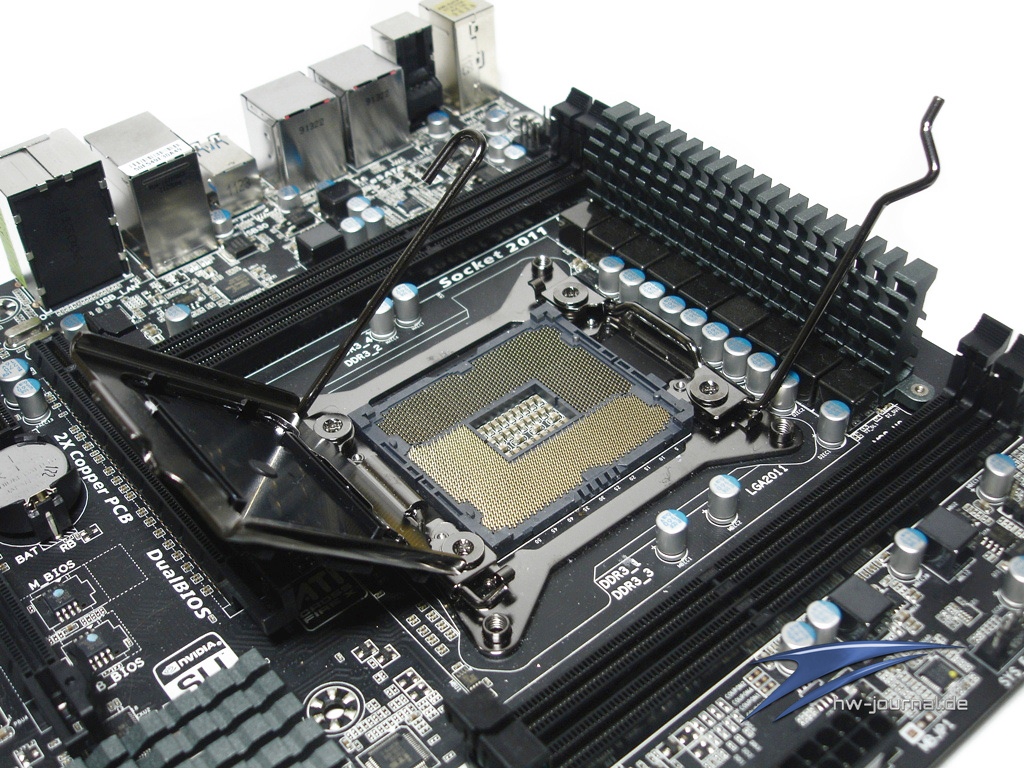
Das X79-UD3 bietet ansonsten wenig spektakuläres, was auch wirklich nennbar ist. Das Interessanteste ist da schon eher der sehr schicke, schwarz eloxierte Sockel aus dem Hause Foxconn. Rechts und links daneben liegen die insgesamt vier RAM-Bänke. Die Stromversorgung für den Prozessor wurde oberhalb des MOSFET-Kühlers platziert. Hier hätte sicher auch eine günstig gelegene Position gewählt werden können. Am Backpanel findet sich eine große Anschlussvielfalt wieder, die so gut wie jeden Bedarf decken sollte.
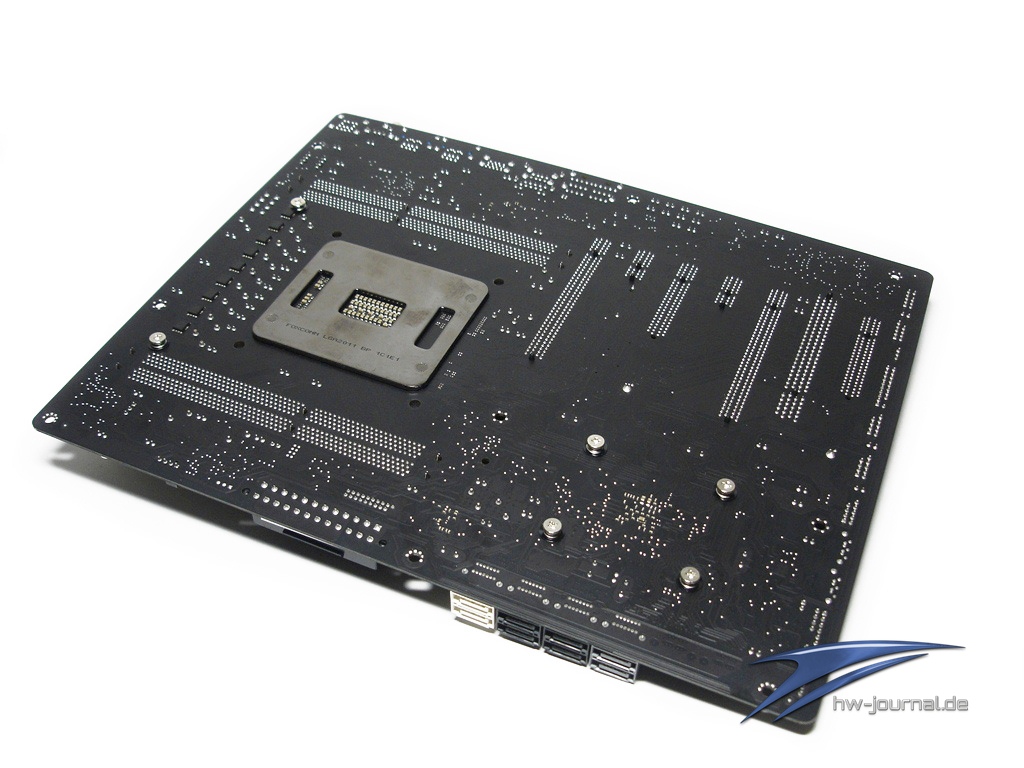
Dreht man das Mainboard, wird man mit Freude feststellen, dass die beiden Kühlkörper fest auf der Platine verschraubt worden sind und so mehr Anpressdruck produzieren können, was durchaus auch in besseren Kühlwerten müden kann. Auf der nachfolgenden Seite gehen wir näher auf den Chipsatz ein und schauen uns die Herstellerspezifikationen dazu an.